Top Tips to Become a Physically Active Family
With the new year upon us many people are looking for ways to be more active in their day-to-day lives. However, meeting the daily physical activity recommendations laid out by Canada’s 24hr Movement Guidelines can be challenging for many, especially youth in late childhood and the teenage years. As schedules grow busier, youth become more independent, social lives blossom and social media is introduced, finding time in the day to fit in the recommended 60 minutes of physical activity can seem near impossible to a young person. As such, parents can play an important role in educating, motivating and role modeling active living for their growing children.
Here are 3 tips you can try to help your family increase their daily physical activity in 2019!
Remember, Canada’s 24hr Movement Guidelines recommend at least 60 minutes of physical activity a day for children and teens and 150 minutes of physical activity a week for adults.
1. Do it Together – Have Fun!
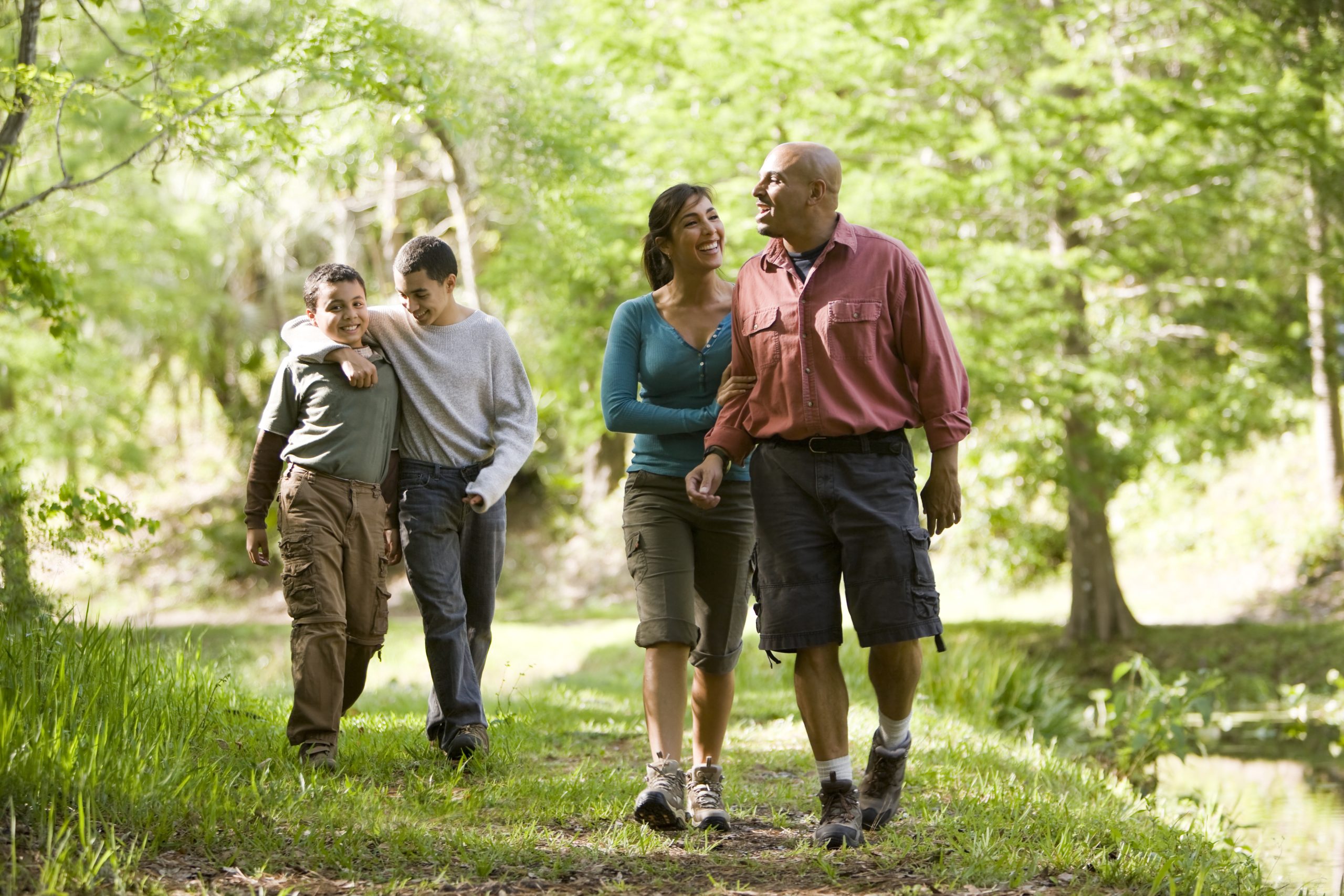
Your kids are watching you. Share your enjoyment of physical activity with them and bond by being active together:
- Pass on knowledge of a traditional or cultural sport you know.
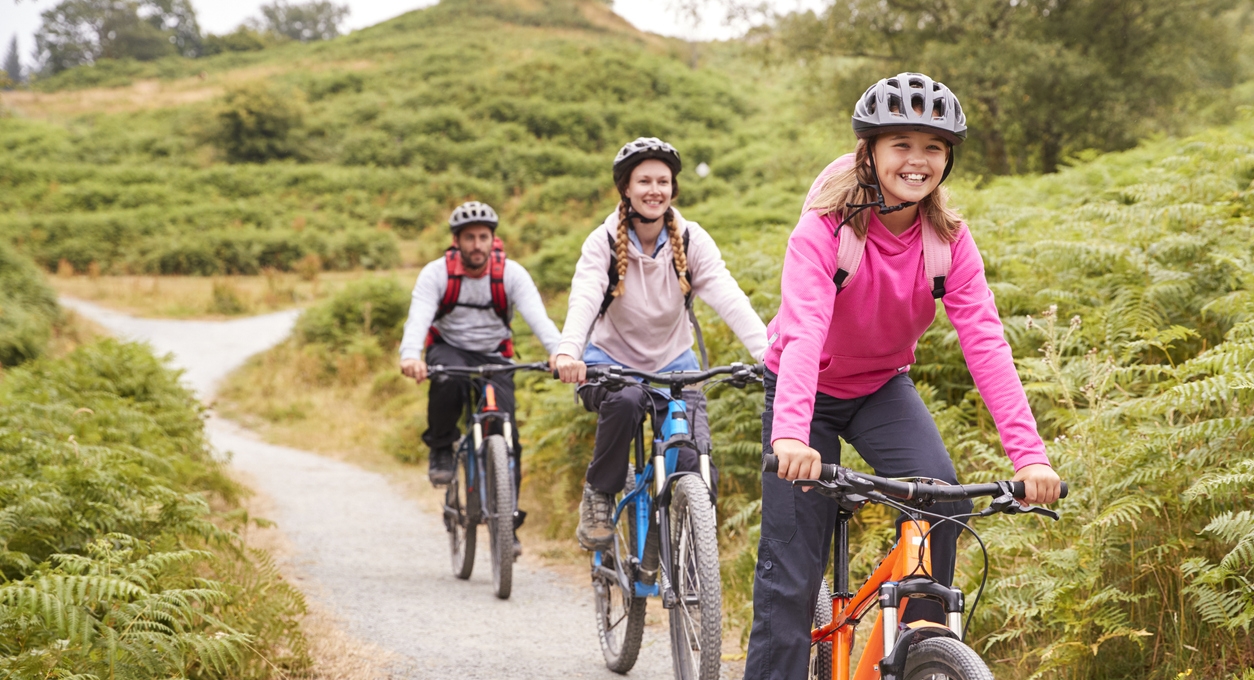
- Spend quality time bowling, skating, hiking, or going for a bike ride.
- Take the pedometer challenge with your child. Add 2,000 steps to your day and build up from there to eventually accumulate 12,000 steps per day.
- Go to a park and play frisbee golf, kick or throw a ball or play hacky sack.
- Try a class together! How about spin cycling, yoga, pilates, fencing, a new style of dance or group fitness class? Many community centres, fitness centres and studios have no or low-cost options for teens
- Take an active vacation (camping, surfing, skiing, canoeing, etc…)
2. Be Outdoorsy
Being active in nature is good for the body, mind and soul! Talk with your family about planning an outdoor activity the whole family will enjoy such as visiting a community garden or local farm. Here are a few suggestions:
- Go for a walk before or after dinner – it’s a great way to connect with your child and add extra steps to both your days.
- Engage the family in active chores like gardening, sweeping, mowing the lawn, raking leaves or shoveling snow.
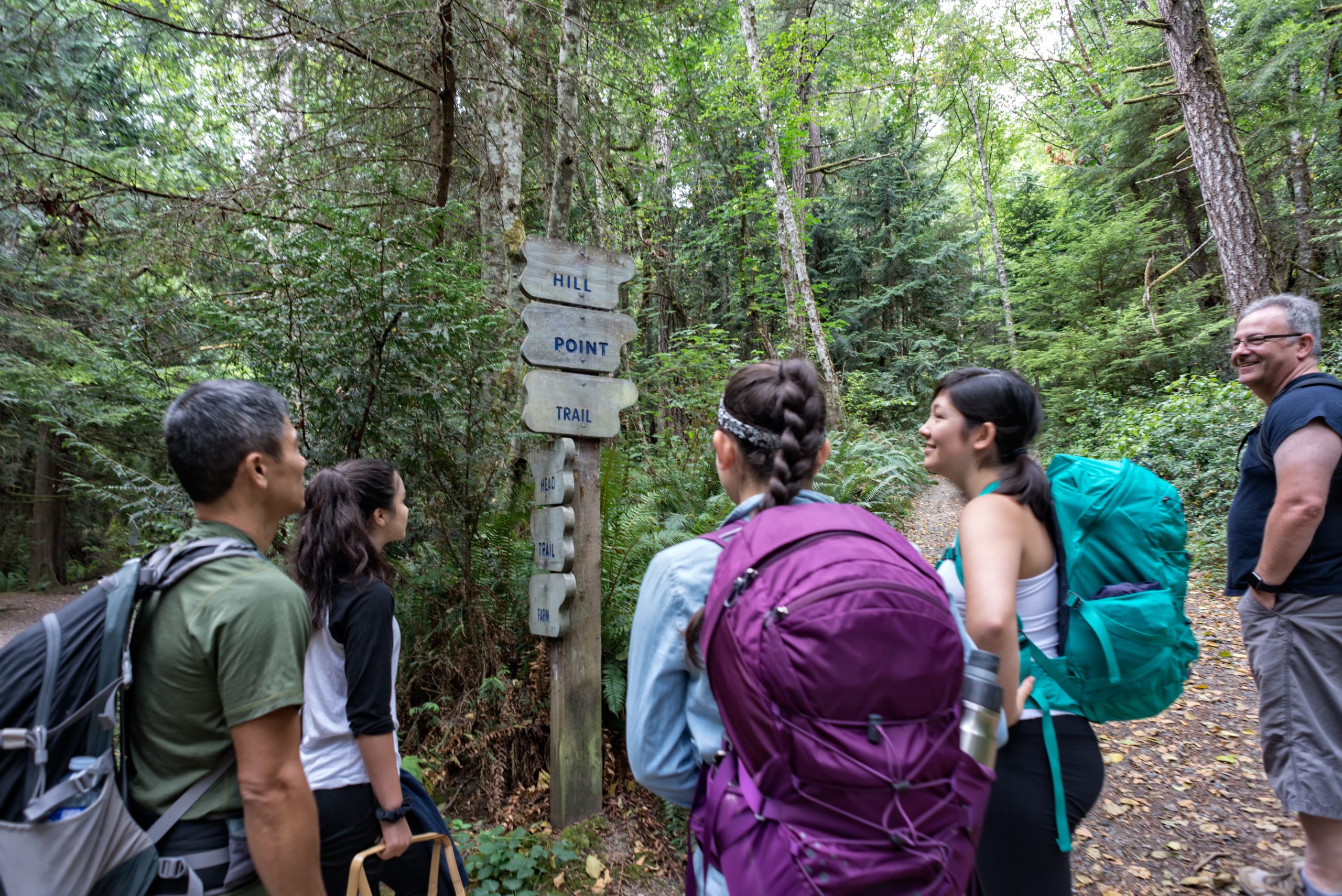
- Hike, bike, fly a kite, walk the trail system – check out Canada Trails website for a trail near you.
- Try orienteering or geocaching. Both are takes on outdoor scavenger hunts and involve map reading. Look them up online for an opportunity near you.
- Identify at least one winter activity and one summer activity you want to do together as a family like snowshoeing, skating, skiing, indoor climbing gyms, or snowboarding in the winter or frisbee golf, cycling, swimming, hiking, stand-up paddle boarding, and kayaking in the summer.
3. Introduce Variety
Children and teens are not always aware of the many physical activities that are available close to home:
- Encourage them to check out school teams (recreational or competitive), club teams, or recreational teams through community centres and local sport organizations. Some girls prefer to play on female only teams led by a female coach or leader.
- If your child is not the team sport type, look together for opportunities within your community. Visit community centres, pools, arenas, courts, climbing gyms and parks. Archery, martial arts, dancing, kickboxing might be some options for individual sports.
With these new tips in mind, what sort of physical activity would you like to do with your family this weekend?
Share This Post
- →$post->category Timber\Term(16)
- contents
- Static class properties (1)
- Available methods (30)
- public id -> integer26
- public ID -> integer26
- public object_type -> string(4) "term"
- public PostClass -> string(11) "Timber\Post"
- public TermClass -> string(4) "Term"
- public _children -> NULL
- public name -> string(6) "Family"
- public taxonomy -> string(8) "category"
- public term_id -> integer26
- public slug -> string(6) "family"
- public term_group -> integer0
- public term_taxonomy_id -> integer26
- public parent -> integer0
- public count -> integer7
- public filter -> string(3) "raw"
- public term_order -> string(1) "0"
- public $representation :: string(4) "term"
- →public static from($tid, $taxonomy) -> static
@param $tid @param $taxonomy @return static Defined in <ROOT>wp-content/plugins/timber-library/lib/Term.php:91
- →public __call($field, $args) -> mixed
This is helpful for twig to return properties and methods see: https://github.com/fabpot/Twig/issues/2 @return mixed Inherited from Timber\Core Defined in <ROOT>wp-content/plugins/timber-library/lib/Core.php:26
- →public __construct($tid = NULL, $tax = "")
@param int $tid @param string $tax Defined in <ROOT>wp-content/plugins/timber-library/lib/Term.php:68
- →public __get($field) -> mixed
This is helpful for twig to return properties and methods see: https://github.com/fabpot/Twig/issues/2 @return mixed Inherited from Timber\Core Defined in <ROOT>wp-content/plugins/timber-library/lib/Core.php:35
- →public __isset($field) -> boolean
@return boolean Inherited from Timber\Core Defined in <ROOT>wp-content/plugins/timber-library/lib/Core.php:15
- →public __toString() -> string
@return string Defined in <ROOT>wp-content/plugins/timber-library/lib/Term.php:81
- →public can_edit() -> bool
Can you edit this post/term/user? Well good for you. You're no better than me. @example ```twig {% if post.can_edit %} <a href="{{ post.edit_link }}">Edit</a> {% endif %} ``` ```html <a href="http://example.org/wp-admin/edit.php?p=242">Edit</a> ``` @return bool Inherited from Timber\Core Defined in <ROOT>wp-content/plugins/timber-library/lib/Core.php:100
- →public children()
@api @return array Defined in <ROOT>wp-content/plugins/timber-library/lib/Term.php:361
- →public description()
@api @return string Defined in <ROOT>wp-content/plugins/timber-library/lib/Term.php:369
- →public edit_link()
@api @return string Defined in <ROOT>wp-content/plugins/timber-library/lib/Term.php:383
- →public get_children()
@internal @return array Defined in <ROOT>wp-content/plugins/timber-library/lib/Term.php:331
- →public get_edit_url()
@internal @return string Defined in <ROOT>wp-content/plugins/timber-library/lib/Term.php:229
- →public get_field($field_name) -> mixed
@param string $field_name @return mixed Inherited from Timber\Core Defined in <ROOT>wp-content/plugins/timber-library/lib/Core.php:125
- →public get_link() -> string
@internal @deprecated since 1.0 @return string Defined in <ROOT>wp-content/plugins/timber-library/lib/Term.php:265
- →public get_meta_field($field_name) -> string
@internal @param string $field_name @return string Defined in <ROOT>wp-content/plugins/timber-library/lib/Term.php:238
- →public get_method_values() -> array
@return array Inherited from Timber\Core Defined in <ROOT>wp-content/plugins/timber-library/lib/Core.php:115
- →public get_path() -> string
@internal @deprecated since 1.0 @return string Defined in <ROOT>wp-content/plugins/timber-library/lib/Term.php:256
- →public get_posts($numberposts_or_args = 10, $post_type_or_class = any, $post_class = "") -> array|bool|null
Get posts that have the current term assigned. @internal @param int|array $numberposts_or_args Optional. Either the number of posts or an array of arguments for the post query that this method is going. to perform. Default `10`. @param string $post_type_or_class Optional. Either the post type to get or the name of post class to use for the returned posts. Default `any`. @param string $post_class Optional. The name of the post class to use for the returned posts. Default `Timber\Post`. @return array|bool|null Defined in <ROOT>wp-content/plugins/timber-library/lib/Term.php:283
- →public import($info, $force = false)
Takes an array or object and adds the properties to the parent object @example ```php $data = array('airplane' => '757-200', 'flight' => '5316'); $post = new Timber\Post() $post->import(data); echo $post->airplane; //757-200 ``` @param array|object $info an object or array you want to grab data from to attach to the Timber object Inherited from Timber\Core Defined in <ROOT>wp-content/plugins/timber-library/lib/Core.php:59
- →public link() -> string
Returns a full link to the term archive page like `http://example.com/category/news` @api @example ```twig See all posts in: <a href="{{ term.link }}">{{ term.name }}</a> ``` @return string Defined in <ROOT>wp-content/plugins/timber-library/lib/Term.php:398
- →public meta($field_name) -> string
Retrieves and outputs meta information stored with a term. This will use both data stored under (old) ACF hacks and new (WP 4.6+) where term meta has its own table. If retrieving a special ACF field (repeater, etc.) you can use the output immediately in Twig — no further processing is required. @api @param string $field_name @example ```twig <div class="location-info"> <h2>{{ term.name }}</h2> <p>{{ term.meta('address') }}</p> </div> ``` @return string Defined in <ROOT>wp-content/plugins/timber-library/lib/Term.php:421
- →public path() -> string
Returns a relative link (path) to the term archive page like `/category/news` @api @example ```twig See all posts in: <a href="{{ term.path }}">{{ term.name }}</a> ``` @return string Defined in <ROOT>wp-content/plugins/timber-library/lib/Term.php:435
- →public posts($numberposts_or_args = 10, $post_type_or_class = any, $post_class = "") -> array|bool|null
Gets posts that have the current term assigned. @api @example ```twig <h4>Recent posts in {{ term.name }}</h4> <ul> {% for post in term.posts(3, 'post') %} <li> <a href="{{ post.link }}">{{ post.title }}</a> </li> {% endfor %} </ul> ``` If you need more control over the query that is going to be performed, you can pass your custom query arguments in the first parameter. ```twig <h4>Our branches in {{ region.name }}</h4> <ul> {% for branch in region.posts({ posts_per_page: -1, orderby: 'menu_order' }, 'branch', 'Branch') %} <li> <a href="{{ branch.link }}">{{ branch.title }}</a> </li> {% endfor %} </ul> ``` @param int|array $numberposts_or_args Optional. Either the number of posts or an array of arguments for the post query that this method is going. to perform. Default `10`. @param string $post_type_or_class Optional. Either the post type to get or the name of post class to use for the returned posts. Default `any`. @param string $post_class Optional. The name of the post class to use for the returned posts. Default `Timber\Post`. @return array|bool|null Defined in <ROOT>wp-content/plugins/timber-library/lib/Term.php:487
- →public title()
@api @return string Defined in <ROOT>wp-content/plugins/timber-library/lib/Term.php:495
- →public update($key, $value)
@param string $key @param mixed $value Defined in <ROOT>wp-content/plugins/timber-library/lib/Term.php:348
- →protected static get_tid($tid) -> int|array
@internal @param int $tid @return int|array Defined in <ROOT>wp-content/plugins/timber-library/lib/Term.php:199
- →protected get_term($tid) -> mixed
@internal @param int|object|array $tid @return mixed Defined in <ROOT>wp-content/plugins/timber-library/lib/Term.php:161
- →protected get_term_from_query()
@internal @return integer Defined in <ROOT>wp-content/plugins/timber-library/lib/Term.php:108
- →protected get_term_meta($tid) -> array
@internal @param int $tid @return array Defined in <ROOT>wp-content/plugins/timber-library/lib/Term.php:150
- →protected init($tid)
@internal @param int $tid Defined in <ROOT>wp-content/plugins/timber-library/lib/Term.php:125